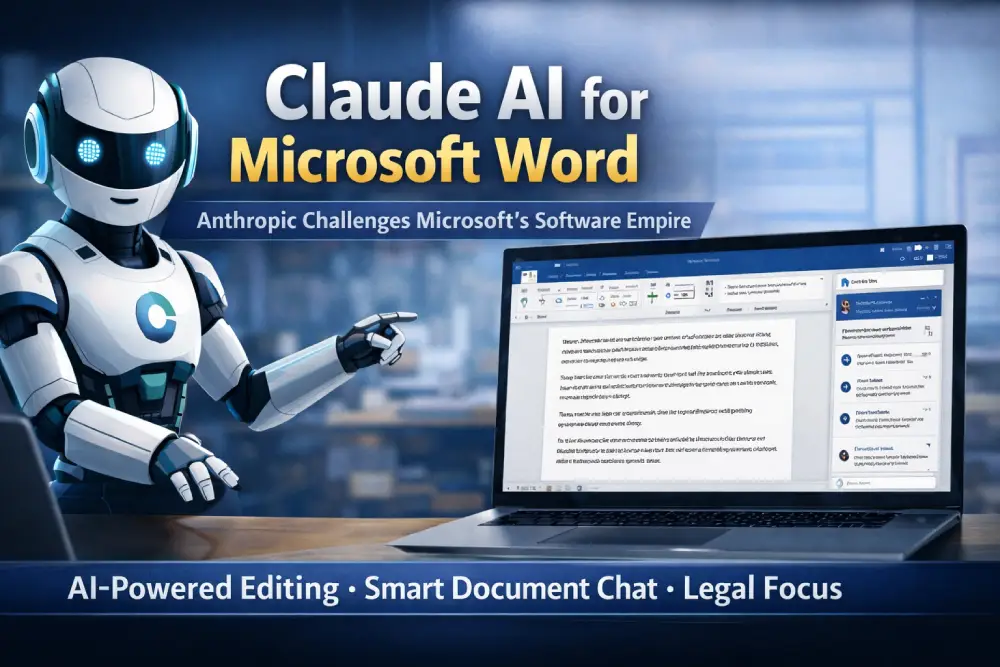
Artificial Intelligence is rapidly transforming how we work, and Anthropic’s latest move Claude for Microsoft Word marks a major shift in productivity tools. By embedding AI directly into documents, Anthropic is not just improving workflows it is challenging Microsoft’s dominance in office software.
In this article, we’ll explore what Claude for Word is, its key features, why it targets professionals like lawyers, and how it competes with Microsoft’s ecosystem.
What Is Claude for Word?
Claude for Word is a native AI add-in for Microsoft Word that allows users to interact with documents using Anthropic’s Claude AI without leaving the application.
Unlike traditional AI tools that require copying and pasting text, Claude works directly inside Word via a sidebar, enabling real-time drafting, editing, and document analysis.
It is currently available in beta for Team and Enterprise users.
Key Features of Claude AI in Microsoft Word
1. AI-Powered Editing with Tracked Changes
Claude edits documents using Word’s native tracked changes feature, allowing users to accept or reject suggestions just like human edits.
2. Smart Document Chat
You can ask Claude questions like:
- “Summarize this contract”
- “Explain this clause”
Claude provides context-aware answers with references to document sections.
3. Comment-Based Collaboration
Claude can read and respond to comments within documents, helping teams resolve feedback faster.
4. Formatting Preservation
Unlike many AI tools, Claude maintains:
- Headings
- Numbering
- Legal formatting
This makes it highly useful for professional documents.
5. Reusable Workflows (AI Templates)
Teams can create repeatable AI workflows for tasks like:
- Contract review
- Report writing
- Document comparison
Why Anthropic Is Targeting Lawyers
One of the most strategic aspects of Claude for Word is its focus on legal professionals.
According to recent reports:
- Claude can review contracts and suggest revisions
- It handles redlining and legal language editing
- It responds to legal comments intelligently
This makes it a powerful tool for law firms, where document accuracy and revision tracking are critical.
A Direct Challenge to Microsoft’s Software Empire
Microsoft already offers AI features through Copilot, but Anthropic is taking a different approach:
1. Independent AI Ecosystem
Claude is not built into Microsoft it’s a third-party AI competing inside Microsoft’s own platform.
2. Cross-App Intelligence
Claude works across:
- Word
- Excel
- PowerPoint
It can carry context between apps, enabling seamless workflows.
3. Enterprise Focus
Anthropic is targeting:
- Legal teams
- Finance departments
- Corporate workflows
This positions Claude as a serious enterprise competitor, not just a chatbot.
How Claude for Word Improves Productivity
Here’s how this integration can transform everyday work:
| Task | Traditional Way | With Claude |
|---|---|---|
| Editing | Manual revisions | AI suggestions with tracked changes |
| Reviewing | Time-consuming reading | Instant summaries |
| Collaboration | Back-and-forth emails | AI replies to comments |
| Drafting | Start from scratch | AI-assisted writing |
The result? Faster, smarter, and more efficient document workflows.
Potential Limitations
While promising, Claude for Word still has some limitations:
- Available only for Team & Enterprise plans
- Requires trust in AI for sensitive documents
- Competes with Microsoft’s native AI (Copilot)
Additionally, pricing and feature access may evolve as Anthropic expands its offerings.
The Bigger Picture: AI Inside Everyday Tools
Claude for Word is part of a larger trend:
AI is moving from standalone apps to deeply embedded workplace tools
Anthropic is positioning Claude as a “digital coworker” inside software, not just an assistant. This shift could redefine how professionals interact with documents.
FAQs
1. What is Claude for Word?
Claude for Word is an AI-powered add-in that allows users to draft, edit, and analyze documents directly inside Microsoft Word.
2. Is Claude for Word free?
No, it is currently available for Team and Enterprise users, with pricing depending on the plan.
3. How is Claude different from Microsoft Copilot?
Claude is a third-party AI that works independently, while Copilot is Microsoft’s built-in AI solution.
4. Can Claude edit documents automatically?
Yes, it can suggest edits using tracked changes, which users can accept or reject.
5. Why is it useful for lawyers?
Claude can review contracts, suggest revisions, and handle legal formatting making it ideal for legal workflows.
6. Does Claude work with other Microsoft apps?
Yes, it integrates with Excel and PowerPoint, sharing context across applications.
7. Is Claude safe for sensitive documents?
Anthropic offers enterprise-grade controls, but organizations should evaluate security policies before use.
Conclusion
Anthropic’s launch of Claude for Word is more than just another AI feature it’s a strategic move to compete directly with Microsoft in its own ecosystem.
By focusing on real-world workflows especially in legal and enterprise environments Claude is positioning itself as a powerful alternative to traditional productivity tools.
As AI continues to evolve, one thing is clear: The future of work will happen inside your documents and AI will be your collaborator.